



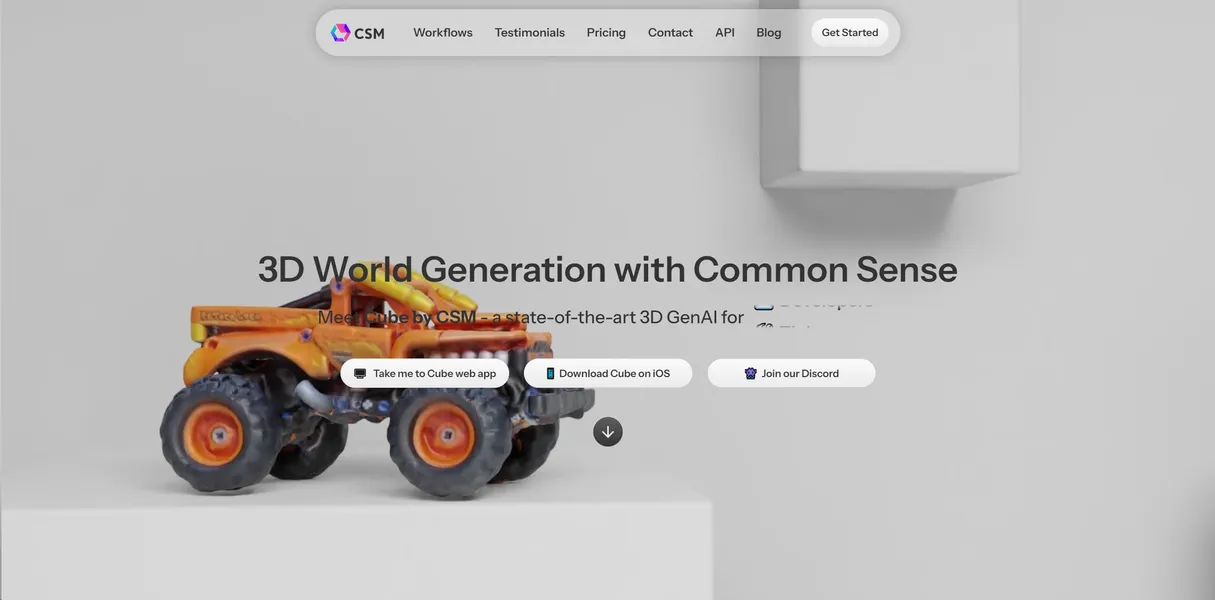
What is CSM (Common Sense Machines)?
Generating a textured 3D model from a single flat image in under two minutes feels like magic until you inspect the wireframe. Common Sense Machines (CSM) delivers incredible speed for rapid prototyping. The resulting mesh topology resembles a chaotic web of polygons.
Developed by Common Sense Machines, Inc., this AI platform translates 2D images, smartphone videos, and text prompts into volumetric 3D assets. Game developers, architectural visualizers, and digital artists use it to skip the initial modeling phase. It provides a fast starting point for background props and static environment pieces.
- Primary Use Case: Generating rapid 3D draft models from single reference images.
- Ideal For: Indie game developers and rapid prototyping teams.
- Pricing: Starts at $13 per month (the AI Starter plan) for basic asset generation.
Key Features and How CSM (Common Sense Machines) Works
Generation Methods
- Image-to-3D: Creates models from a single image in under 120 seconds.
- Video-to-3D: Reconstructs volumetric 3D meshes from MP4 uploads.
- Text-to-3D: Generates shapes using natural language prompts.
Asset Refinement and Texturing
- PBR Textures: Generates albedo, normal, and roughness maps.
- High-Resolution Pass: Increases mesh density and texture clarity (this adds about three minutes to processing time).
Export and Integration
- Export Formats: Downloads available in .obj, .glb, .usdz, and .stl formats.
- API Access: Integrates 3D generation into external apps via a RESTful API.
CSM (Common Sense Machines) Pros and Cons
Pros
- Rapid generation speed produces draft 3D models in under 120 seconds.
- Broad export compatibility ensures models work in Blender, Unity, and Unreal Engine.
- Intuitive web-based interface requires zero prior 3D modeling experience.
- Consistent texture mapping maintains visual integrity across all sides of the object.
Cons
- Mesh topology is unoptimized and requires manual retopology for professional animation.
- Fine details like small text or intricate patterns appear blurred on the final texture.
- Complex or thin geometries like wireframes or glasses fail to reconstruct accurately.
Who Should Use CSM (Common Sense Machines)?
- Indie Game Developers: Populate background environments with low-poly props.
- Concept Artists: Turn 2D sketches into 3D volumes for spatial reference.
- Professional Animators (Not Recommended): The unoptimized topology makes rigging and weight painting a nightmare without extensive manual cleanup.
How much does this speed cost?
CSM (Common Sense Machines) Pricing and Plans
CSM offers several paid tiers.
The platform does not offer a free trial.
- AI Starter: $25 per month or $13 per month billed annually for entry-level features.
- AI Premium: $36 per month or $18 per month billed annually for advanced features.
- AI Ultimate: $55 per month or $28 per month billed annually for high-performance generation.
- AI Ecommerce Starter: $26 per month or $14 per month billed annually for basic online store features.
- AI Ecommerce Premium: $56 per month or $29 per month billed annually for advanced online store features.
- Agency Starter: $60 per month or $30 per month billed annually for small teams.
- Agency Premium: $100 per month or $70 per month billed annually for large agencies.
How CSM (Common Sense Machines) Compares to Alternatives
Similar to Luma AI, CSM excels at turning video into 3D spaces. Unlike Luma AI, CSM focuses on single-image prop generation for game engines rather than photorealistic scene capture.
Compared to Meshy, CSM offers a faster initial generation speed. Meshy provides better native retopology tools. This makes Meshy a better choice for users who need animation-ready characters.
The Verdict: Best for Rapid Prop Prototyping
CSM delivers massive value to solo developers and small studios. These users need to fill digital shelves and background scenes in a hurry. If you need hero assets or rigged characters, look elsewhere.
Meshy serves as a better alternative for cleaner topology.