



What is Polycam?
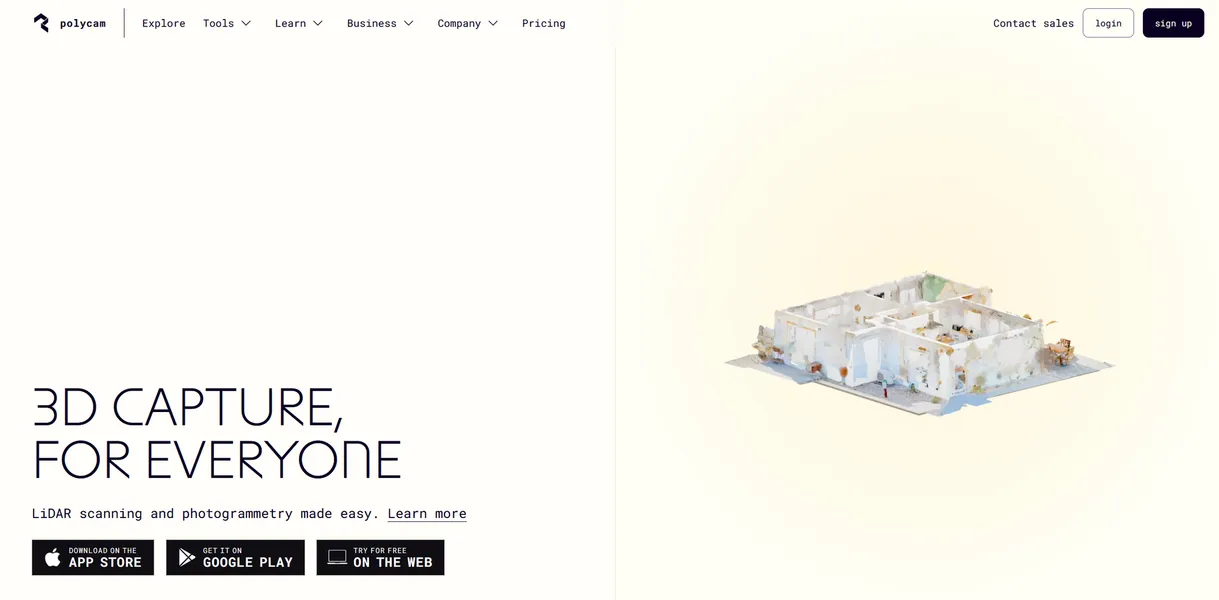
The most impressive aspect of Polycam is its ability to generate a textured 3D mesh of a room in under two minutes. You just wave your phone around the space and watch the geometry build on your screen.
Polycam Inc. built this application to solve the high cost of spatial capture. It replaces expensive dedicated scanning hardware with a mobile app. Architects, game developers, and real estate agents use it to create 3D assets and floor plans.
- Primary Use Case: Generating accurate 2D and 3D floor plans for real estate listings.
- Ideal For: Architects and 3D artists needing quick spatial references.
- Pricing: Starts at $12.50 (freemium). The basic tier unlocks unlimited captures and six export formats.
Key Features and How Polycam Works
Mobile Scanning Modes
- LiDAR Scanning: Generates real-time 3D meshes but requires an iPhone 12 Pro or newer.
- Photo Mode: Processes up to 2,000 photos in the cloud for high-detail photogrammetry but takes over an hour during peak times.
- Object Capture: Masks backgrounds automatically for small items but struggles with transparent or highly reflective surfaces.
Architectural Tools
- Floor Plan AI: Generates .dxf and .svg layouts from room scans but occasionally misinterprets cluttered environments.
- Measurement Tool: Provides distance and volume calculations with 1-2cm accuracy but requires clear lighting conditions.
Export and Management
- Export Formats: Supports 12 industry formats like .obj and .gltf but point cloud exports require the Business plan.
- Team Library: Offers a shared cloud workspace for asset organization but lacks granular permission controls.
- Web Editor: Allows browser-based cropping and rotating (I found the web editor surprisingly responsive) but lacks advanced sculpting tools.
Polycam Pros and Cons
Pros
- LiDAR integration provides instant visual feedback and high spatial accuracy during the scanning process.
- Cloud processing allows users to generate complex 3D models without needing high-end local hardware.
- The mobile interface enables professional-grade captures with less than five minutes of training.
- Extensive export compatibility ensures smooth integration with software like Blender and Unreal Engine.
Cons
- Photogrammetry processing times can exceed 60 minutes for large photo sets during peak server usage.
- Advanced LiDAR features are hardware-locked to high-end Apple Pro devices.
- The AI floor plan generator occasionally misinterprets complex geometry or heavily cluttered environments.
- Subscription pricing has increased significantly compared to earlier versions.
Who Should Use Polycam?
- Real estate agents: You can generate accurate floor plans and virtual tours quickly.
- Game developers: You can capture real-world objects to use as 3D assets in your environments.
- Construction managers: You can document site progress using LiDAR point clouds (assuming you pay for the Business tier).
- Casual hobbyists: The recent price increases make the subscription too expensive for occasional personal use.
Polycam Pricing and Plans
The Free plan costs $0 per month. It offers limited space, object, and AI captures. You can export GLTF files and share public links.
This tier provides genuine utility rather than acting as a disguised trial.
The Basic plan costs $15 billed monthly or $12.50 billed annually. It includes unlimited captures, six export formats, and private link sharing. The Business plan costs $34 billed annually. It adds 2D and 3D floorplans, advanced measure tools, a shared team library, and point cloud exports. The Enterprise plan uses custom pricing. It includes dedicated support, single sign-on, custom branding, and enhanced data privacy.
How Polycam Compares to Alternatives
Similar to Scaniverse but Polycam offers more advanced architectural tools. Scaniverse provides completely free processing on your device. Polycam relies on cloud processing for photogrammetry. This means Scaniverse works offline while Polycam requires an internet connection for high-detail photo mode.
Unlike RealityScan, Polycam includes built-in LiDAR support for instant mesh generation. RealityScan focuses entirely on photogrammetry for Epic Games ecosystem users. Polycam exports to a wider variety of formats. RealityScan forces users to export through Sketchfab.
The Final Verdict on Polycam
Choosing the right 3D scanning app depends entirely on your hardware.
Polycam delivers excellent spatial capture tools for professionals who own Apple Pro hardware. Architects and 3D artists get the most value from its accurate measurements and diverse export options. Casual users should look at Scaniverse for a free alternative.