



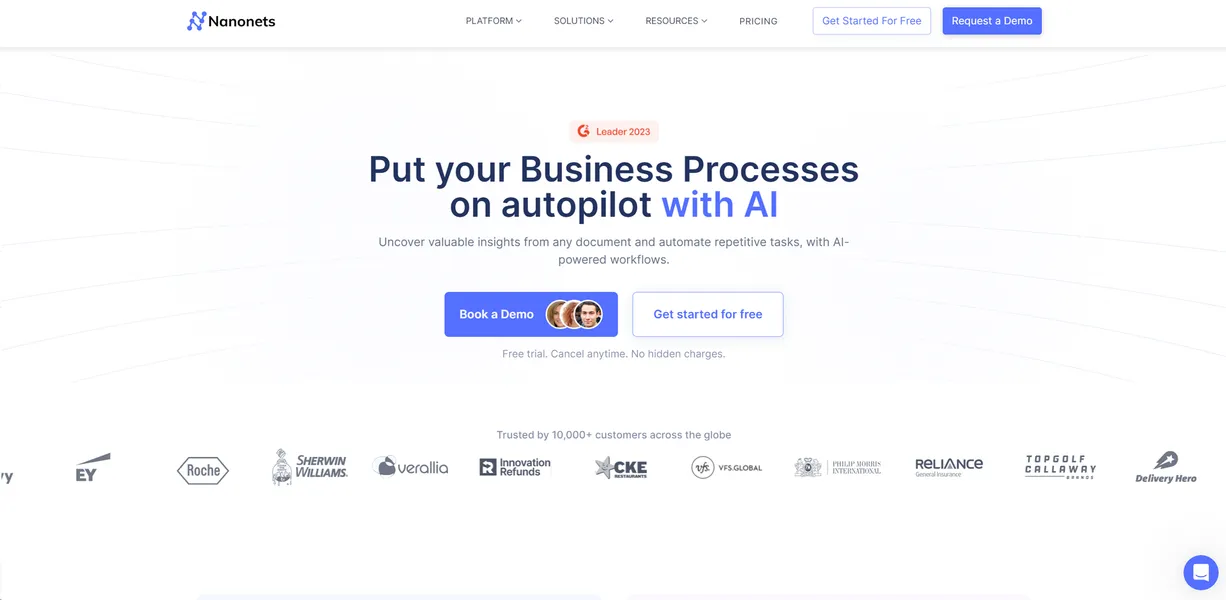
What is Nanonets?
Most users expect traditional OCR tools to just dump raw text onto a page. With Nanonets, you get structured data mapped directly to your database fields. You upload a messy, coffee-stained invoice. The software reads the vendor name, dates, and line items. Then it exports them as a clean JSON file.
This is a massive upgrade over legacy systems.
Developed by Nanonets Inc., this platform solves the manual data entry problem for finance and operations teams. It replaces human typists with deep learning models. You can automate accounts payable by extracting data from invoices directly into QuickBooks. You can also digitize KYC processes by verifying identity documents automatically.
- Primary Use Case: Automating accounts payable by extracting invoice data into QuickBooks.
- Ideal For: Mid-sized finance teams processing over 5,000 documents monthly.
- Pricing: Starts at $499 (paid). High entry cost but includes 5,000 pages per month.
Key Features and How Nanonets Works
Document Processing Models
- Pre-trained OCR models: Ready-to-use models for invoices, receipts, and IDs. Limited to standard document formats.
- Custom Model Training: Train models with as few as 10 images. Requires manual annotation for the initial training set.
- Multi-language Support: Extracts text in 40+ languages including Cyrillic and Kanji. Accuracy drops slightly on mixed-language documents.
Data Extraction and Export
- Table Extraction: Specialized algorithms for capturing complex multi-line table data. Fails occasionally on tables without visible borders.
- Data Export: One-click export to JSON, CSV, XML, and Excel formats. File size limits apply based on your API tier.
Workflow and Integration
- Workflow Automation: Set up multi-stage approval and validation loops. Complex validation logic requires significant time to configure correctly.
- Third-party Integrations: Native connectors for Zapier, Salesforce, and QuickBooks. Custom ERP integrations require API development.
- Manual Verification UI: Built-in interface for human-in-the-loop data correction. Lacks advanced keyboard shortcuts for power users.
Nanonets Pros and Cons
Strengths
- High accuracy rates exceeding 95% even on blurry or low-resolution scans.
- Rapid deployment allows custom models to be functional in under 15 minutes.
- No-code platform lets business users manage OCR without developer help.
- Strict security with SOC2 Type 2, GDPR, and HIPAA compliance standards.
- Scalable infrastructure handles high-volume processing of over 10,000 documents daily.
Limitations
- High starting price of $499 per month for the Pro plan is expensive for small businesses.
- Complex validation logic requires significant time to configure correctly.
- Occasional processing delays for large PDF files exceeding 50 pages.
- Manual review interface lacks advanced keyboard shortcuts for power users.
Who Should Use Nanonets?
- Enterprise finance teams: High-volume accounts payable departments can process 10,000 invoices daily with minimal human intervention.
- Operations managers: Teams digitizing KYC processes can verify identity documents and passports automatically.
- Data entry clerks: Workers can shift from typing data to simply reviewing flagged errors in the manual verification UI.
- Small business owners (Not Recommended): The $499 monthly fee is too high if you only process 100 receipts a month.
Nanonets Pricing and Plans
The Starter plan costs $0 per month plus $0.30 per page. But this is essentially a trial. You only get your first 500 pages free as a one-time credit. Once you use those credits, you pay per page.
The Pro plan costs $499 per month. This tier includes 5,000 pages per month. You pay $0.10 for every extra page. This plan unlocks most of the core features (including custom model training).
The Enterprise plan uses custom pricing. It offers custom page limits, dedicated support, and on-premise deployment options. You must contact sales to get an exact quote for this tier.
How Nanonets Compares to Alternatives
Similar to Rossum, Nanonets uses AI to understand document layouts without rigid templates. But Rossum focuses heavily on enterprise accounts payable with a more complex setup. Nanonets lets you train a custom model with just 10 images. This makes it faster to deploy for niche use cases like retail receipts. Both tools offer high accuracy. Yet Nanonets feels slightly more accessible for non-technical users.
Unlike ABBYY Vantage, Nanonets is entirely cloud-native by default. ABBYY has a long history in legacy on-premise OCR. Nanonets does offer Docker-based on-premise deployment for Enterprise users. Still, its primary strength is its modern API and web interface. ABBYY often requires certified developers to implement. Nanonets allows business users to build workflows directly.
Final Verdict: Is Nanonets Right for Your Finance Team?
Mid-sized companies processing thousands of invoices will get the most value here. The $499 monthly fee pays for itself if it replaces manual data entry hours. Operations teams handling KYC documents will also benefit from the high accuracy.
Solo founders and small agencies should look elsewhere. The Starter plan is just a trial. The jump to $499 is too steep for low-volume users. If you only need basic receipt scanning, look at a cheaper alternative like Klippa.