



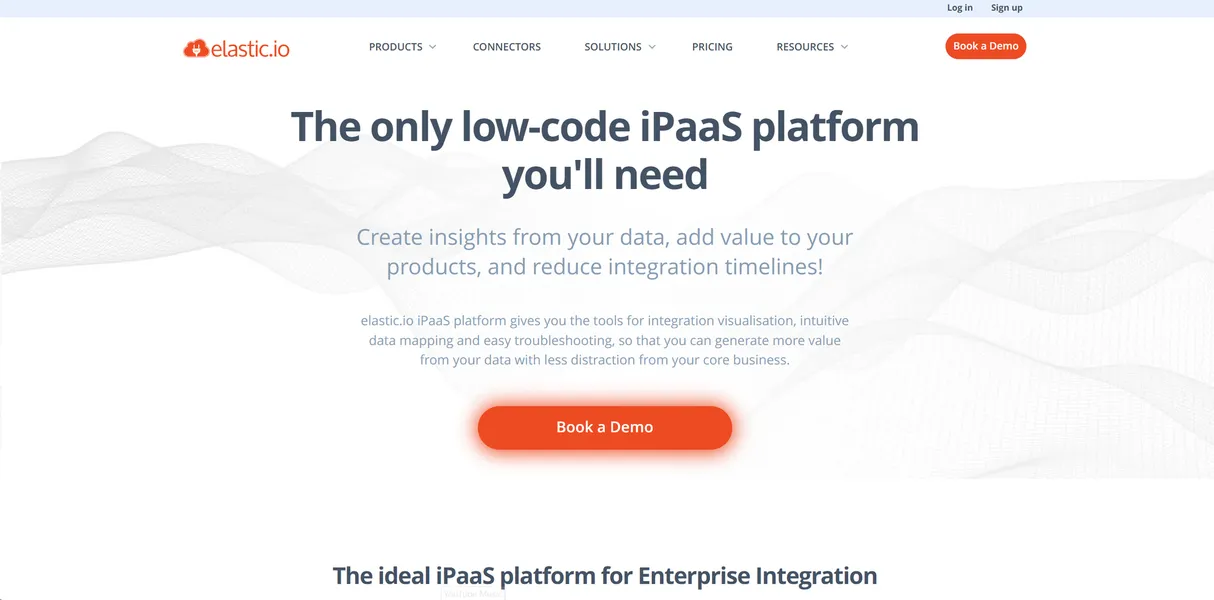
What is elastic.io?
Most integration platforms try to hide code from you. elastic.io does the exact opposite. It expects you to write custom Node.js scripts to connect complex enterprise systems.
Developed by elastic.io GmbH, this integration platform as a service targets software developers and IT teams. It connects cloud applications like Salesforce with legacy on-premise databases. You get a visual designer alongside custom SDKs for deep data manipulation.
- Primary Use Case: Syncing complex enterprise data between cloud SaaS and on-premise systems.
- Ideal For: Enterprise IT teams and SaaS developers building white-labeled integrations.
- Pricing: Starts at $215 per month (paid) : A high entry price for just three active flows.
Key Features and How elastic.io Works
Visual Design and Custom Code
- Visual Designer: A drag-and-drop interface for building multi-step flows. Limit: Complex conditional logic still requires coding knowledge.
- Custom SDKs: Support for Node.js and Java to build proprietary connectors. Limit: Documentation for advanced debugging remains sparse.
Enterprise Connectivity
- 400+ Connectors: Pre-built adapters for major platforms like SAP and Microsoft Dynamics. Limit: Niche SaaS tools require custom builds.
- Hybrid Integration: Connects on-premise systems behind firewalls to cloud applications. Limit: Requires local agent installation and ongoing maintenance.
Infrastructure and Management
- Multi-tenancy: Dedicated environments for OEM partners to manage client accounts. Limit: Only available on custom enterprise plans.
- Real-time Monitoring: Detailed logging for every execution step in a flow. Limit: Log retention periods depend on the pricing tier.
elastic.io Pros and Cons
Strengths
- Developer-friendly SDKs allow teams to build exact custom components.
- Hybrid deployment keeps sensitive data within local networks for better security.
- White-labeling lets SaaS companies embed the platform as their own integration engine.
- ISO 27001 certification and GDPR compliance meet strict enterprise security requirements.
Limitations
- The steep learning curve requires technical knowledge.
- Entry-level pricing of $215 per month is high for only three active flows.
- Documentation for advanced SDK features lacks detailed troubleshooting examples.
Who Should Use elastic.io?
- Enterprise IT Teams: You need to connect legacy SAP databases to modern cloud tools with high security.
- SaaS Product Managers: You want to offer native integrations to your users without building an engine from scratch.
- Non-Technical Marketers: This platform is a bad fit. You will struggle to build flows without developer support.
elastic.io Pricing and Plans
elastic.io offers a 14-day free trial, but no permanent free tier exists.
The entry price creates immediate friction for small teams.
The Small plan costs $215 per month. It includes three active flows and standard connectors.
The Medium plan costs $540 per month. It increases your limit to 10 active flows and adds priority support.
The Enterprise plan uses custom pricing. It provides unlimited flows and dedicated infrastructure.
How elastic.io Compares to Alternatives
Similar to Workato, elastic.io targets enterprise users with complex data mapping needs. But Workato offers a more accessible interface for business analysts. elastic.io focuses on developer tools and custom SDKs. Workato charges a much higher base platform fee.
Unlike Make, elastic.io focuses on hybrid cloud deployments rather than consumer app connections. Make provides thousands of pre-built consumer SaaS connectors at a low price. elastic.io prioritizes secure on-premise connections for enterprise resource planning systems.
The Verdict for Enterprise Developers
If you have a team of Node.js developers and need strict data compliance, choose elastic.io. It handles complex hybrid environments well (I found the error logs quite helpful during testing).
If you are a solo founder or marketing agency, look elsewhere. The $215 monthly starting price for three flows makes no sense for basic automation.
Try Make if you need to connect common web apps on a tight budget.