



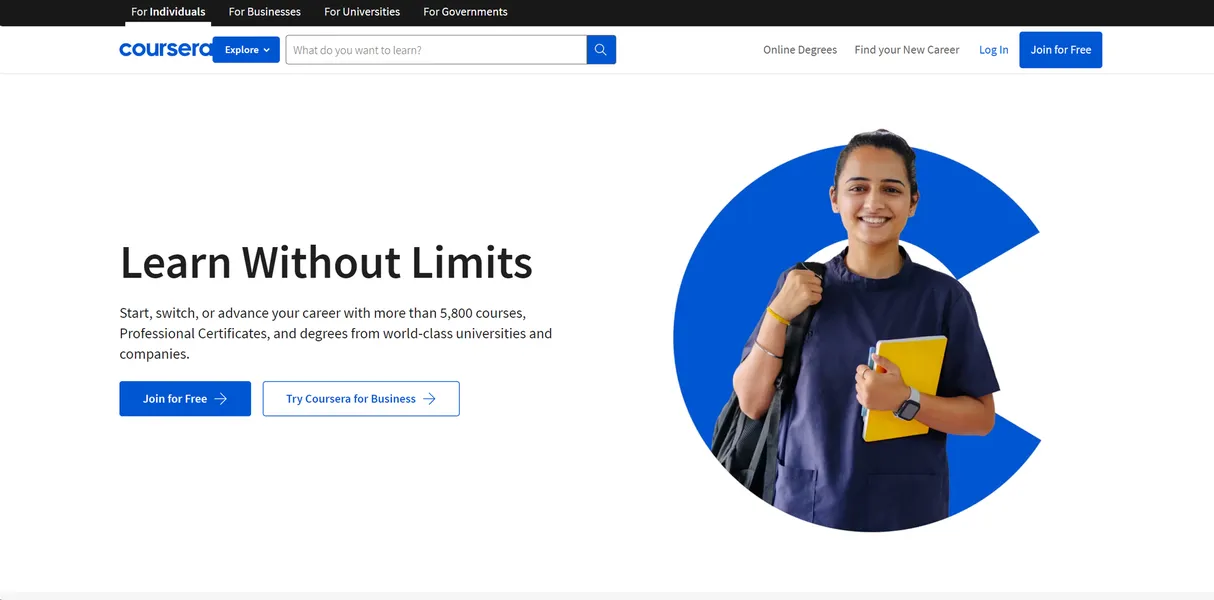
What is Coursera?
Over 275 universities and companies host their educational content on Coursera. Coursera Inc. built this online learning platform to distribute courses, professional certificates, and full degree programs to global students. Users access video lectures, reading materials, and graded assignments through a web browser or mobile app.
The platform targets professionals seeking career advancement and students wanting university-level knowledge. You can earn a Google Data Analytics certificate or complete a master’s degree from the University of Illinois. (I took the Google IT Support course and found the video player responsive). But the free tier restricts access to graded quizzes.
- Primary Use Case: Earning professional certificates from tech companies to improve job prospects.
- Ideal For: Working professionals seeking flexible, self-paced career upskilling.
- Pricing: Starts at $33.25/mo (Freemium) — Coursera Plus requires a $399 annual commitment.
Key Features and How Coursera Works
Professional Certificates and Degrees
- Industry Credentials: Users complete course sequences from Google, Meta, and IBM. You must pay for the certificate track to receive the final credential.
- University Degrees: The platform hosts 50 online bachelor’s and master’s programs. Admission requires a formal application process and standard university tuition rates.
Interactive Learning Tools
- Guided Projects: Users practice technical skills in 2-hour sessions using a side-by-side virtual desktop. The virtual machine lags on slower internet connections.
- Coursera Coach: An AI learning assistant provides 24/7 tutoring and lecture summaries. This feature is only available to Coursera Plus subscribers.
Assessment and Tracking
- Peer Review System: Standardized grading requires three peer evaluations for assignment completion. Users wait weeks for peers to grade their work.
- Enterprise Dashboard: Corporate teams track employee learning progress and skill gaps. Small businesses with fewer than five employees cannot buy this tier.
Coursera Pros and Cons
Pros
- Academic Credibility: Content comes from 275 top-tier institutions like Stanford and Yale.
- Flexible Learning: Self-paced modules let users complete 150 different certifications around full-time work schedules.
- Free Audit Option: Users can view video content and read text materials for zero cost.
- Multilingual Support: The most popular courses include transcripts and subtitles in 50 languages.
Cons
- Peer-grading delays: Waiting for three peers to review an assignment blocks certificate issuance for weeks.
- Limited Support: Direct human customer service is rare. Users must rely on automated chatbots for most issues.
- Refund Policy: The strict 14-day refund window for annual plans traps users who forget to cancel.
Who Should Use Coursera?
- Career Switchers: Professionals entering tech can use the Google or Meta certificates to build foundational knowledge.
- Lifelong Learners: Budget-conscious students can audit Yale or Stanford courses for free.
- Corporate Teams: HR departments can use the enterprise dashboard to track employee upskilling.
- Not for Hands-On Developers: Programmers needing project-based coding experience should look elsewhere. The video-heavy format lacks the rigor of dedicated coding bootcamps.
Coursera Pricing and Plans
Coursera uses a freemium model. The Free Audit tier costs $0 per month. It grants access to videos and readings but locks all graded assignments. Individual Course access costs roughly $49 per month. This tier provides graded materials and a single certificate upon completion.
Coursera Plus costs $33.25 per month. The company bills this annually at $399. Plus grants unlimited access to 7,000 courses and certificates.
The platform also offers financial aid.
Users can submit an application to receive fee waivers covering up to 100 percent of course costs.
How Coursera Compares to Alternatives
Similar to edX but Coursera focuses more on corporate professional certificates. edX leans toward traditional university courses and micro-bachelor programs. Both platforms allow free auditing. Coursera offers a smoother mobile app experience for offline viewing.
Unlike Udacity, this tool relies on peer grading rather than paid human mentors. Udacity charges higher monthly fees for its Nanodegrees. Udacity provides detailed code reviews from industry professionals. Coursera keeps costs lower but sacrifices personalized feedback.
The Verdict for Self-Paced Learners
Coursera delivers massive value for career switchers needing recognizable credentials on their resumes. The $399 annual Plus subscription pays for itself if you complete two or more professional certificates. Budget users still get excellent value from the free audit tracks.
But the peer review system remains a major friction point. Waiting weeks for a stranger to grade your final project ruins the self-paced promise. If you want strict coding practice with expert review, Udacity is a better choice.
The honest limit is the certificate value.
A Coursera certificate gets you past automated resume filters. It does not replace actual job experience.