



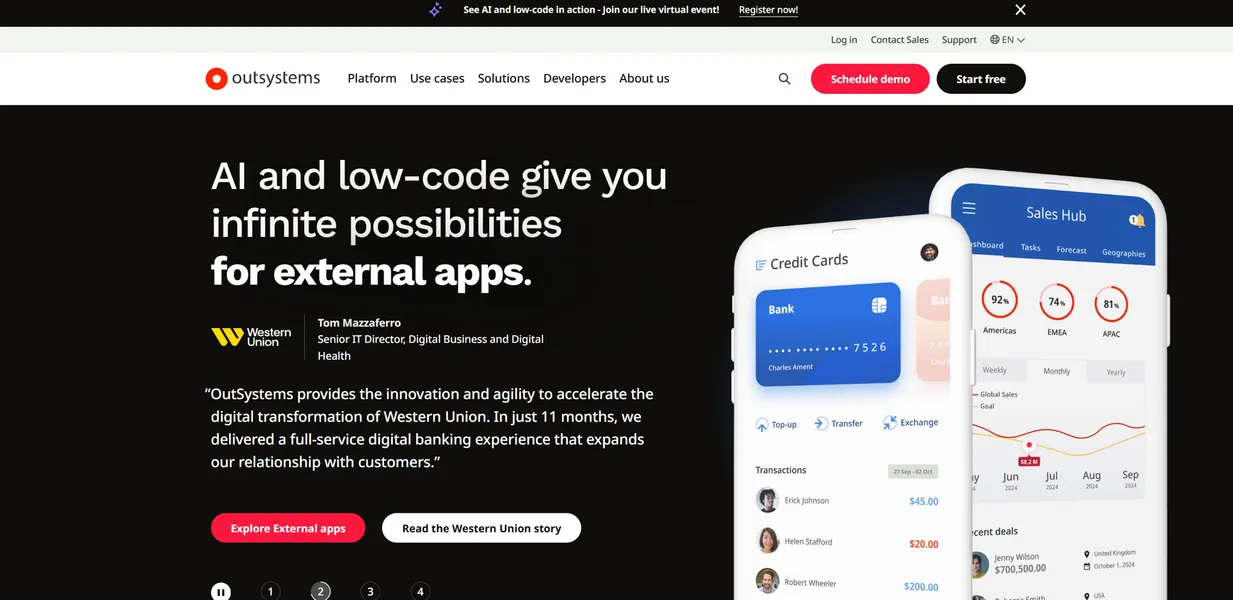
What is OutSystems?
Enterprise development teams report building complex applications three to four times faster using visual logic models instead of traditional coding.
OutSystems developed this low-code platform to help large organizations modernize legacy monolithic ERP systems into microservices-based cloud architectures. The tool targets enterprise IT departments that need to deploy native mobile field service apps and customer portals quickly.
- Primary Use Case: Modernizing legacy ERP systems and building complex customer portals.
- Ideal For: Enterprise IT departments and large development teams.
- Pricing: Starts at $1500 (freemium) – A high entry cost restricts this tool to well-funded organizations.
Key Features and How OutSystems Works
Visual Development and Logic Modeling
- Drag-and-drop UI: Builders arrange interface elements for web and mobile platforms, though customizing CSS beyond provided themes often causes maintenance issues.
- Data Modeling: Users draw visual entity-relationship diagrams for SQL Server, Oracle, and DB2 databases, limited to supported enterprise database types.
AI Assistance and Automation
- AI Mentor System: The platform provides real-time code analysis and technical debt monitoring, restricted to the code generated within the OutSystems environment.
- One-Click Deployment: The system automates dependency checking across dev, test, and production environments, capping automated rollbacks based on your specific tier limits.
Enterprise Integrations and Extensibility
- Integration Builder: Pre-built connectors link apps to SAP, Salesforce, and Microsoft Dynamics 365, requiring active licenses for those third-party services.
- Custom Code Support: Developers write custom C#, JavaScript, and CSS for complex logic, limited by the proprietary architecture that makes migrating away difficult.
OutSystems Pros and Cons
Strengths
- Enterprise teams build complex applications up to four times faster than traditional coding methods.
- The platform supports millions of users and high-concurrency environments for Fortune 500 companies.
- Automated vulnerability scanning and SOC2 Type II compliance come standard out of the box.
- The Forge marketplace offers over 5,000 community-built components, plugins, and UI patterns.
Limitations
- The $1,500 monthly starting price blocks small businesses and startups from adopting the platform.
- Proprietary architecture creates vendor lock-in, making logic migration to other platforms highly difficult.
- Mastering the proprietary logic takes months of training despite the low-code marketing claims.
Who Should Use OutSystems?
- Enterprise IT Departments: Large teams use the platform to modernize legacy systems and manage full-stack development in one environment.
- Field Service Organizations: Companies building native mobile apps rely on the built-in offline data synchronization patterns.
- Small Businesses (Not Recommended): Startups and solo developers should avoid this tool due to the $18,000 annual minimum commitment.
OutSystems Pricing and Plans
The platform uses a freemium model, but the free tier (which limits you to a single personal environment) functions strictly as a learning tool.
- Free: $0 per month. Provides a single personal environment for learning and small-scale prototyping. You cannot use this for commercial production.
- Standard: $1,500 per month. Billed annually at $18,000. Includes 100 internal users and production support.
- Enterprise: Custom pricing. Offers unlimited users, 24/7 support, and advanced security configurations.
How OutSystems Compares to Alternatives
Similar to Mendix, OutSystems targets large enterprises needing complex application development. Mendix focuses heavily on collaboration between business analysts and developers using dual IDEs (Studio and Studio Pro). OutSystems provides a single unified environment that leans slightly more toward technical developers writing custom C# code.
Unlike Microsoft Power Apps, OutSystems operates independently of the Office 365 ecosystem. Power Apps costs significantly less, starting around $20 per user, making it accessible for mid-market companies. OutSystems justifies its higher $1,500 monthly base price with superior native mobile capabilities and offline data synchronization.
The Final Verdict for Enterprise Developers
OutSystems delivers unmatched speed for large IT departments modernizing legacy systems.
Well-funded enterprise teams building complex, high-concurrency applications get the most value from this platform. Small businesses and budget-conscious startups should look elsewhere. Microsoft Power Apps offers a much cheaper entry point for teams needing basic internal workflow automation.