



What is Photomath?
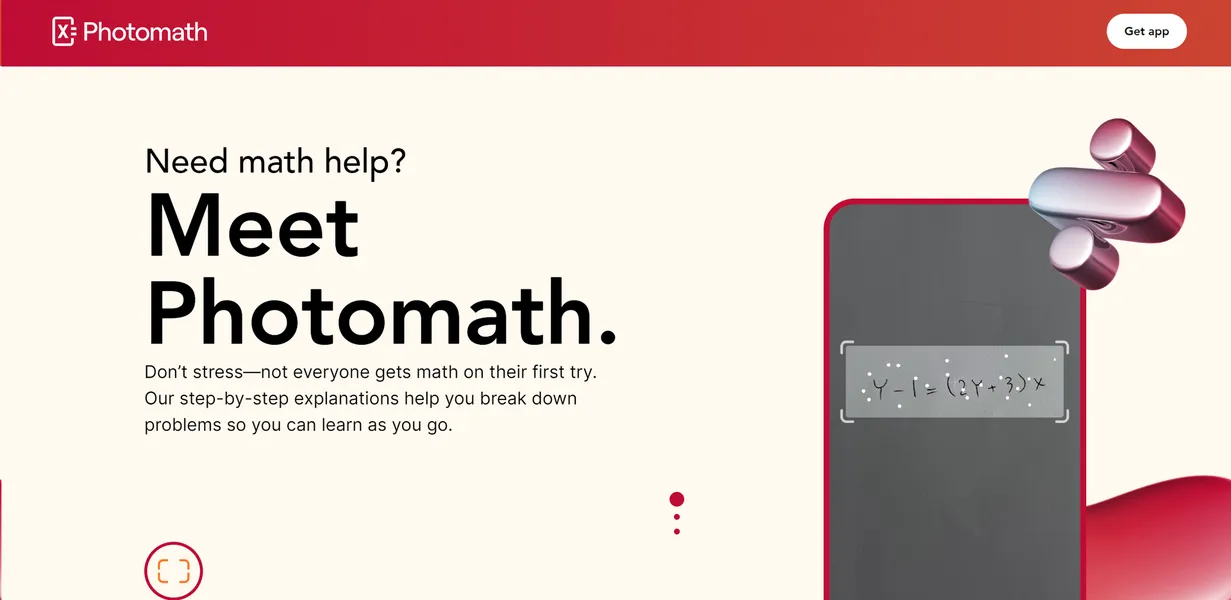
Over 100 million students use mobile devices to check their math homework every month. Photomath, an education app acquired by Google LLC, leads this category. It uses computer vision to scan handwritten mathematical expressions and generate step-by-step solutions. The app targets middle school, high school, and college students who need immediate feedback on algebra and calculus assignments.
This speed makes it a staple in modern classrooms. It solves equations instantly using a smartphone camera. But the tool struggles to interpret complex word problems accurately.
- Primary Use Case: Solving algebraic equations instantly by scanning handwritten notes.
- Ideal For: High school and college students verifying homework steps.
- Pricing: Starts at $4.99 (freemium). The free tier covers basic scanning.
Key Features and How Photomath Works
Camera Scanning and Recognition
- Optical Character Recognition: Recognizes 100+ mathematical symbols and diverse handwriting styles in under one second. Limit: Fails to read highly stylized or messy cursive scripts.
- Offline Mode: Core scanning and solving functionality works without an active internet connection. Limit: Animated tutorials and textbook solutions require data access.
- History Log: Automatically stores up to 100 recent scans for offline review and study. Limit: Older scans are deleted permanently once the 100-item limit is reached.
Step-by-Step Problem Solving
- Multi-Method Solutions: Provides up to 5 different solving techniques for the same equation. Limit: Users cannot force the app to prioritize a specific method by default.
- Detailed Explanations: Contextual breakdowns explain the reasoning behind every step. Limit: This feature sits entirely behind the $4.99 monthly paywall.
- Scientific Calculator: Digital keyboard featuring 50+ mathematical functions for manual problem input. Limit: Manual entry is slower than camera scanning for long equations.
Visual and Reference Tools
- Graphing Calculator: Interactive 2D plotting displays linear, quadratic, and trigonometric functions. Limit: The app lacks 3D calculus visualizations.
- Textbook Solutions: Access to a library of 3,000+ expert-verified textbooks. Limit: Coverage focuses heavily on US curricula, leaving some international students unsupported.
- Animated Tutorials: Frame-by-frame visual aids for over 500 core mathematical concepts. Limit: Requires an active internet connection to load animations.
Photomath Pros and Cons
Pros
- Handwriting recognition is highly accurate even with cursive scripts due to advanced optical character recognition.
- Google infrastructure integration ensures rapid processing times for complex multi-variable calculus problems.
- Animated tutorials provide a visual learning path that outperforms static text for abstract concepts.
- The textbook database covers major global curricula with over 3,000 verified titles.
- Offline functionality allows students in low-connectivity areas to continue studying without data access.
Cons
- Word problem solving is inconsistent and often fails to interpret complex linguistic context correctly.
- The most valuable educational content sits behind the $4.99 Plus paywall.
- Advanced geometry proofs and 3D calculus visualizations lack sufficient detail.
Who Should Use Photomath?
- High school algebra students: The app handles standard equations and factoring perfectly (even with messy handwriting).
- College calculus students: Users can verify complex derivatives and integrals using the multi-method solver.
- Students in low-connectivity areas: The offline mode allows users to scan and solve basic equations without Wi-Fi.
- Not for geometry students: The app frequently fails to support advanced geometry proofs and spatial reasoning tasks.
Photomath Pricing and Plans
Photomath operates on a freemium model. The free tier is a permanent plan, not a disguised trial. It includes basic camera scanning and simple step-by-step answers.
Photomath Plus costs $4.99 per month (or $59.99 billed annually). This tier grants access to animated tutorials, detailed explanations, and the full library of 3,000+ textbook solutions.
How Photomath Compares to Alternatives
Similar to Microsoft Math Solver, Photomath uses a smartphone camera to read handwritten equations. Microsoft Math Solver provides its step-by-step solutions entirely for free. Photomath charges $4.99 monthly for its most detailed explanations. But Photomath offers a superior offline mode for basic scanning.
Unlike Mathway, Photomath relies heavily on its optical character recognition rather than manual keyboard entry. Mathway includes a specialized chemistry solver. Photomath strictly focuses on mathematics. Both tools put their premium step-by-step explanations behind a subscription paywall.
The Verdict for High School Algebra Students
High school and early college students get the most value from Photomath. The app reads handwriting accurately and explains algebra clearly. The $4.99 monthly cost is lower than hiring a human tutor.
Students dealing with complex word problems or 3D geometry should look elsewhere. The computer vision cannot parse linguistic context reliably.
If you need a completely free alternative for calculus, Microsoft Math Solver is a better choice. We still do not know if Google will eventually integrate Photomath directly into its main search app.