



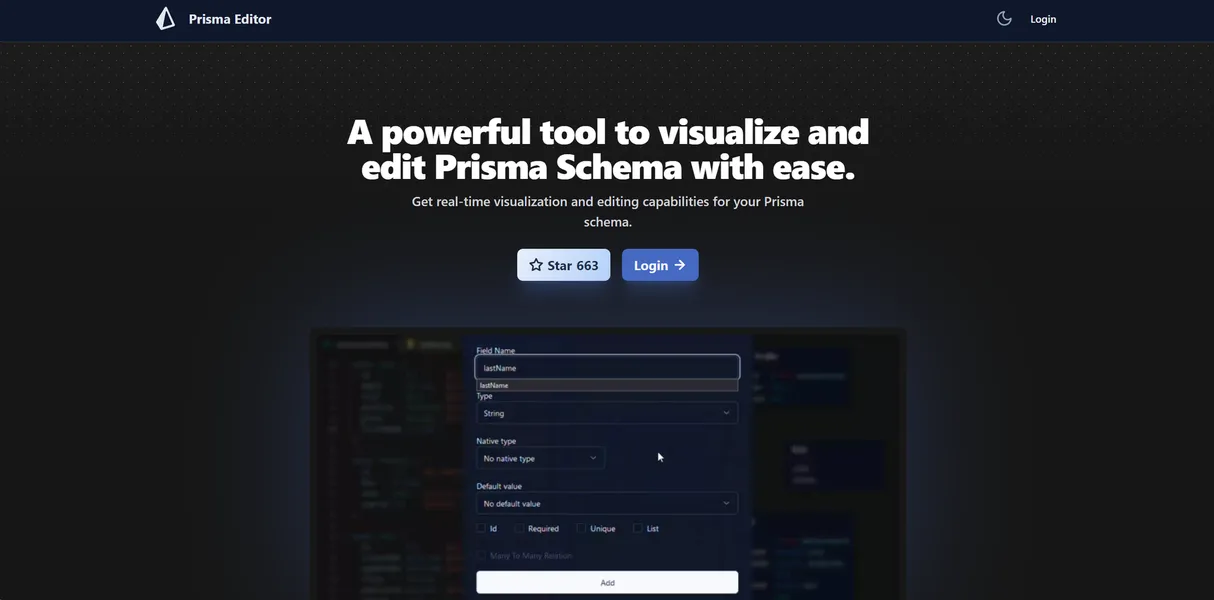
What is Prisma Editor?
The most surprising thing about Prisma Editor is its browser-based access without requiring a single login. You can drop a complex database file onto the canvas and see the relationships map out.
Developed by Sadegh Barati, this open-source tool targets developers using Prisma ORM. It solves the problem of visualizing complex many-to-many database relationships. Instead of reading hundreds of lines of code, teams view a visual map of their architecture.
- Primary Use Case: Visualizing and designing Prisma ORM schemas through a drag-and-drop web interface.
- Ideal For: Solo developers and small teams prototyping new database architectures.
- Pricing: Starts at $0 (Free) – Complete access to all features with no account required.
Key Features and How Prisma Editor Works
Visual Schema Builder
- Drag-and-drop interface: Creates models and fields on a visual canvas. Limit: Canvas becomes cluttered and lags past 50 models.
- Auto-layout engine: Arranges models to minimize overlapping lines. Limit: Complex N:M relationships still require manual adjustment for readability.
Code Generation and Import
- Real-time code generation: Shows Prisma syntax alongside the visual model. Limit: Edits must happen in the visual builder, not the code panel.
- Schema import: Supports uploading existing .prisma files. Limit: File size is capped at 1MB.
Field Management
- Visual toggles: Apply attributes like @id, @unique, and @default. Limit: Lacks support for specific preview extensions or multi-schema setups.
Prisma Editor Pros and Cons
Pros
- Zero-friction onboarding requires no account or login to start modeling.
- Simplifies Prisma ORM syntax learning through immediate visual feedback.
- Web browser access makes it platform-independent across all operating systems.
- Open-source codebase provides transparency and community-driven bug fixes.
Cons
- Performance degrades when schemas exceed 50 models.
- Lacks cloud synchronization, risking data loss if browser cache clears.
- Does not support advanced Prisma features like multi-schema configurations.
Who Should Use Prisma Editor?
- Beginner developers: Visual feedback helps new users learn Prisma syntax without reading extensive documentation.
- Small startup teams: The tool works well for rapid prototyping and sharing early database designs.
- Enterprise database administrators: Teams managing massive databases with hundreds of tables will find the UI lag unusable.
Prisma Editor Pricing and Plans
Prisma Editor is free and open-source. There are no premium tiers or hidden costs. The free plan includes unlimited schema visualization, editing, and exports.
This is a genuine free tool, not a disguised trial.
You do not even need to create an account to use it. All processing happens within your local browser session.
How Prisma Editor Compares to Alternatives
Similar to Prisma Studio, this tool provides a visual interface for your database. Unlike Prisma Studio, which focuses on viewing actual database records, Prisma Editor designs the schema itself. You use Prisma Editor to build the structure and Prisma Studio to manage the data.
Compared to DrawSQL, Prisma Editor serves a narrower purpose. DrawSQL supports multiple SQL dialects and offers team collaboration features behind a paywall. Prisma Editor only outputs Prisma schema code and lacks multiplayer collaboration. DrawSQL fits general database design, while Prisma Editor serves developers committed to the Prisma ORM ecosystem.
The Verdict for Solo Prototypers
Solo developers and small teams get the most value from Prisma Editor. It removes the friction of setting up local environments just to sketch out a database idea. You can build a model (assuming it stays under 50 tables) and export the code.
Enterprise teams should look elsewhere.
The lack of cloud saving and performance issues make it unsuitable for massive projects. If you need to map out a massive legacy database, Azimutt is a better choice.
The honest limit remains its scalability. We still do not know if future updates will optimize canvas rendering for massive enterprise schemas.