



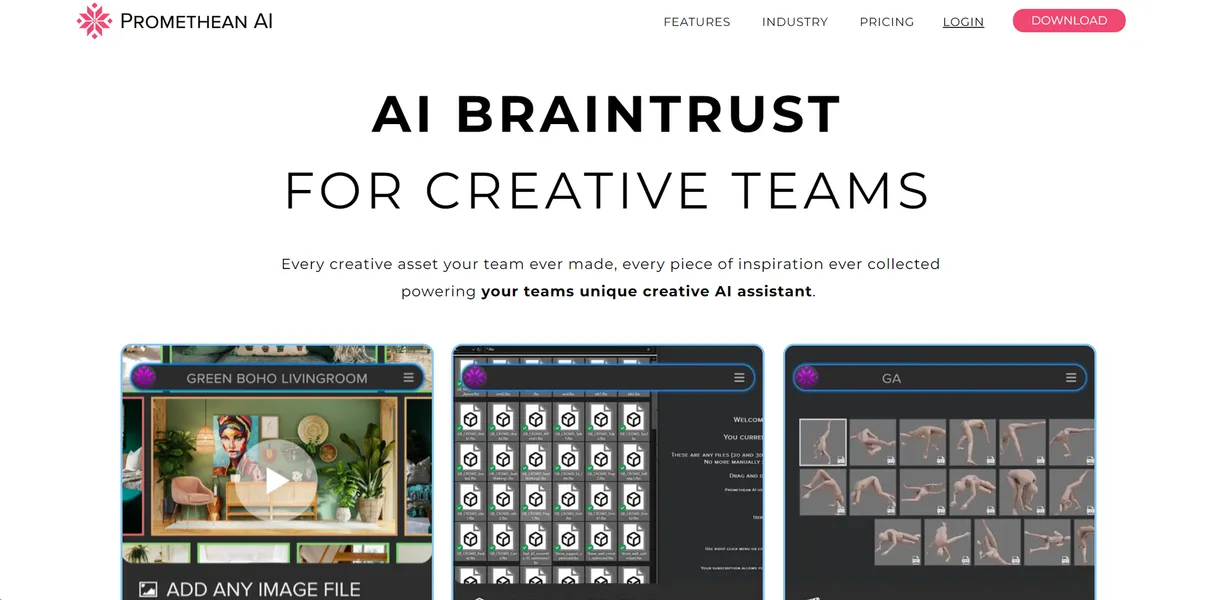
What is PrometheanAI?
PrometheanAI functions as a virtual assistant for level designers and 3D artists. You type a command like “add a wooden table,” and the software places the correct asset into your scene. It handles the tedious work of scattering clutter and organizing massive asset libraries. Users skip manual placement and focus on art direction.
Promethean AI Inc. built this tool to solve the slow process of manual environment dressing. Game developers and architectural visualization teams use it to prototype levels in record time. It reads semantic tags to understand spatial logic. The system knows a chair belongs near a desk. Artists spend less time searching folders and more time designing spaces.
- Primary Use Case: Automating 3D environment layout and asset management using natural language.
- Ideal For: Indie game developers and 3D environment artists.
- Pricing: Starts at $29/mo (Freemium) – The free tier works well for solo artists learning the workflow.
Key Features and How PrometheanAI Works
Semantic Asset Management
Organizing thousands of 3D models takes weeks of manual labor. PrometheanAI scans your folders and applies semantic tags without manual input (saving hours of tedious data entry). You search for a specific item, and the software finds it in seconds.
- Automatic Tagging: Categorizes imported 3D models using natural language tags. Limited by internet connectivity for processing.
- Shared Palettes: Syncs curated asset libraries across distributed teams. Requires the Indie plan or higher.
Natural Language Environment Building
Typing commands replaces dragging and dropping individual files. You tell the AI to populate a kitchen, and it places appliances in logical spots. The system understands basic physics and spatial relationships.
- Text-to-Placement: Places objects based on typed commands. Users must learn specific phrasing for optimal AI interpretation.
- Asset Suggestion Engine: Predicts missing objects based on existing scene items. Accuracy drops in highly abstract or sci-fi environments.
Engine and Software Integrations
The software does not replace your primary 3D engine. It runs alongside your existing tools and sends data through live plugins. You see the results in your main viewport.
- Unreal Engine Live-Link: Syncs straight with Unreal Engine 4 and 5. Occasional synchronization bugs require restarting the plugin (a common issue with live-link tools).
- Maya and Blender Support: Places assets straight within the viewport. Heavy scenes cause performance lag on mid-range GPUs.
PrometheanAI Pros and Cons
Pros
- Cuts environment creation time by up to 70% through automated layout tasks.
- Handles libraries of over 100,000 assets on the $29 Indie plan without crashing.
- Eliminates hours of manual metadata entry via automatic smart asset tagging.
- Works across Unreal, Unity, Maya, and Blender.
Cons
- Requires significant GPU resources to run alongside heavy 3D software.
- Core AI processing features fail without an active internet connection.
- Users experience occasional synchronization bugs between the standalone app and host plugins.
Who Should Use PrometheanAI?
- Indie Game Developers: Small teams can build large open worlds faster by automating clutter placement.
- Architectural Visualization Artists: Professionals managing massive 3D asset libraries benefit from semantic tagging.
- Technical Art Directors: Teams can enforce visual consistency by sharing curated asset palettes.
- Not for 3D Modelers: This tool does not generate 3D geometry from scratch. Artists looking to create new models should use different software.
PrometheanAI Pricing and Plans
The Free plan costs $0 per month. It offers basic features for individuals. This is a real free tier, not a disguised trial. Solo artists can test the core workflow without time limits.
The Indie plan costs $29 per month. It supports up to 100,000 assets and includes AI world building. You also get access to shared palettes for small team collaboration.
The Professional plan costs $90 per month. It unlocks unlimited assets, a Python scripting API, and an AI feedback agent. The feedback agent suggests layout improvements based on scene context.
The Enterprise plan uses custom pricing. It provides tailored setups for large studios. Teams get custom pipeline automation and dedicated support.
How PrometheanAI Compares to Alternatives
Similar to NVIDIA Omniverse, PrometheanAI connects multiple 3D applications. Unlike Omniverse, PrometheanAI focuses on natural language commands for asset placement. Omniverse requires a massive hardware investment and targets enterprise simulation. PrometheanAI runs on standard gaming rigs and targets individual artists. Omniverse excels at physics simulation, while PrometheanAI excels at rapid set dressing.
Unity Muse offers AI assistance straight inside the Unity editor. PrometheanAI works across multiple engines, including Unreal and Maya. Unity Muse generates textures and code. PrometheanAI organizes existing assets and places them into scenes. Unity Muse restricts you to one ecosystem. PrometheanAI allows you to move assets between Maya and Unreal without friction.
The Best Fit for Environment Artists
PrometheanAI delivers massive value to environment artists managing huge asset libraries. Solo developers save weeks of manual layout work. The natural language interface lowers the technical barrier for scene assembly.
It struggles on low-end hardware.
Running Unreal Engine and PrometheanAI at the same time requires a strong graphics card.
Users with weak GPUs should look at Unity Muse for lighter engine-specific assistance.
Within 12 months, PrometheanAI will integrate generative 3D model creation straight into its semantic search pipeline.