



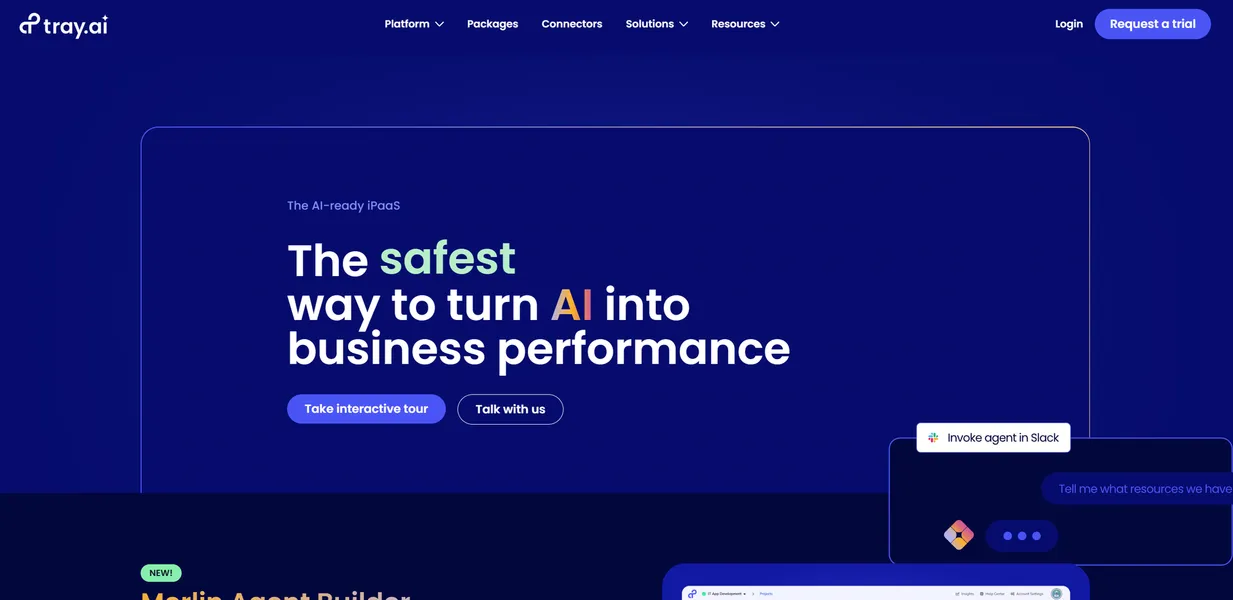
What is Tray.io?
Users expect enterprise automation platforms to offer simple drag-and-drop interfaces, but they usually get rigid systems requiring heavy developer intervention. Tray.io actually delivers on the low-code promise while maintaining the ability to write custom scripts. You can build a basic Salesforce to Slack lead routing flow in minutes (I tested this with a standard sandbox environment). Complex data transformations still require technical knowledge.
Tray.io, Inc. developed this integration platform as a service (iPaaS) to connect fragmented enterprise software stacks. The platform targets IT teams and revenue operations professionals who need to move millions of records between systems like Zendesk and Snowflake.
- Primary Use Case: Automating high-volume data syncs between enterprise CRMs and data warehouses.
- Ideal For: Enterprise IT and revenue operations teams.
- Pricing: Starts at $0 (Custom Pricing) – Opaque enterprise contracts replace transparent tier pricing.
Key Features and How Tray.io Works
AI-Assisted Workflow Building
- Merlin AI: Generates workflows and custom code snippets from natural language prompts. It limits users to the context window of the underlying language model.
- Visual Workflow Builder: Provides a drag-and-drop interface for conditional logic and parallel processing. Complex nested logic becomes difficult to debug on a single screen.
Enterprise Data Management
- Elastic Import: Processes bulk data imports from CSV files into databases like Snowflake. The system limits ingestion speed based on your specific enterprise contract tier.
- 600+ Connectors: Connects native enterprise apps like NetSuite and Microsoft Teams. Custom API connections require manual configuration if a native connector lacks specific endpoints.
Security and Administration
- Workspaces: Isolates environments for different teams with granular access controls. The Pro plan limits organizations to three workspaces.
- Log Retention: Stores execution logs for auditing and debugging. The base Pro plan restricts log retention to just seven days.
Tray.io Pros and Cons
Pros
- Merlin AI cuts workflow creation time by generating functional code snippets for custom API calls.
- The Elastic Import engine processes millions of CSV records into Snowflake without timing out.
- Over 600 native connectors cover major B2B applications like Salesforce and Zendesk.
- SOC 2 Type 2 compliance and HIPAA-ready infrastructure meet strict enterprise security requirements.
Cons
- Custom scripting and complex data mapping present a steep learning curve for non-technical users.
- Opaque custom pricing blocks small teams from adopting the platform.
- Debugging nested logic flows is frustrating due to limited real-time step-through visibility.
Who Should Use Tray.io?
- Enterprise IT Teams: You need strict governance and isolated workspaces to manage integrations across multiple departments.
- Revenue Operations Managers: You build complex lead routing rules between Salesforce and marketing automation platforms.
- Small Business Owners: This tool is not for you. The custom enterprise pricing and technical complexity will overwhelm a small team.
Tray.io Pricing and Plans
Tray.io hides all pricing behind custom sales quotes.
The company does not offer a free trial.
The Pro plan includes three workspaces and 600 connectors. It limits log retention to seven days.
The Team plan expands capacity to 20 workspaces. It increases insights storage to 30 days while keeping log retention at seven days.
The Enterprise plan offers unlimited workspaces and 180 days of insights. Log retention increases to 30 days.
How Tray.io Compares to Alternatives
Similar to Workato but with a stronger focus on AI-assisted building, Tray.io targets the mid-market and enterprise sectors. Workato forces users into a strict recipe-based pricing model. Tray.io bases its custom pricing on task volume and workspace requirements. Workato offers better on-premise agent capabilities for legacy systems.
Unlike Zapier, this tool handles massive bulk data operations without failing. Zapier limits users to linear multi-step zaps that struggle with complex parallel processing (a frequent headache for revenue operations teams). Zapier publishes transparent pricing starting at $19.99 per month. Tray.io requires a sales call just to get a baseline quote.
Verdict for Enterprise Automation Architects
Tray.io delivers exceptional data processing power for large organizations willing to pay custom enterprise rates. Small teams should look at Make for complex visual automation at a transparent price.